Function Calling: How AI Connects to Business Tools In 2026
- Chad
- August 4, 2026
- API
- function calling
- 1 Comment
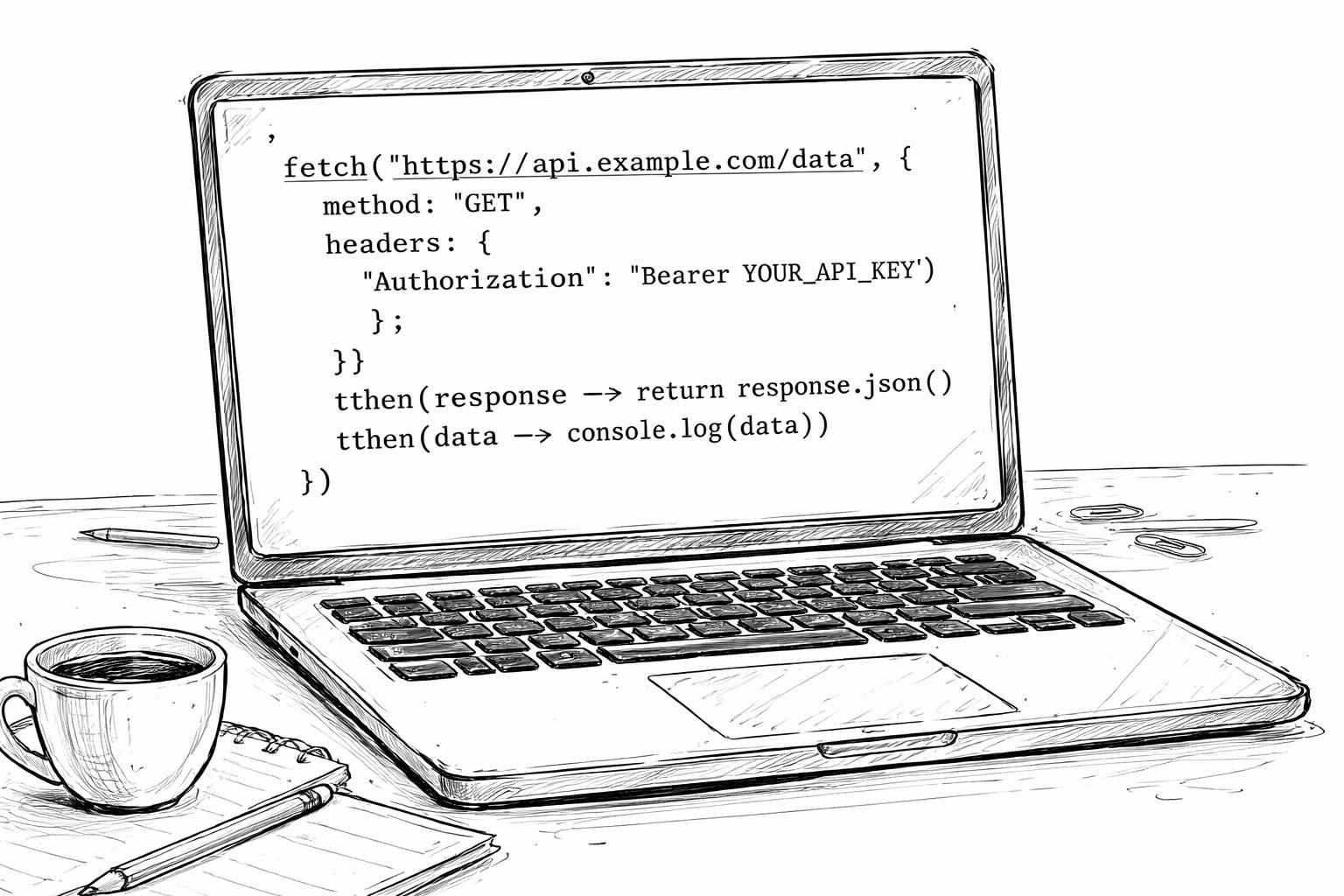
Function Calling: How AI Connects to Business Tools in 2026
Function calling is the technology that allows an AI model to request information from business software or trigger an approved action through an external tool. It turns AI from a system that only generates text into an interface capable of working with CRMs, calendars, email platforms, databases, payment systems, and other business applications.

For a business, this means an AI assistant can do more than explain how to update a customer record. It can identify the correct CRM function, prepare the required information, request approval when necessary, and pass the action to your application for execution.
The important distinction is that the AI model does not usually perform the action by itself. It selects an available function and supplies structured arguments; your application validates the request, executes the action, and returns the result to the model.
What Is Function Calling?
Function calling—also called tool calling—is a structured way for an AI model to communicate with external systems. You define the operations that are available, explain when each should be used, and specify the information each operation requires.
Think of the AI as a capable operations coordinator. It understands a natural-language request, decides which approved department or system should handle it, and completes the correct request form. Your business application remains responsible for authorizing and carrying out the work.
For example, a salesperson could type:
“Find Sarah’s contact in the CRM, add a note about today’s call, and create a follow-up task for Friday.”
A function-enabled assistant could interpret that request as several connected operations:
- Search the CRM for Sarah.
- Retrieve the correct contact record.
- Add the call note.
- Create a follow-up task.
- Report what was completed.
The model can request multiple independent functions in parallel or use functions sequentially when one result is needed before the next step can begin.
Why Function Calling Matters
Function calling closes the gap between conversation and execution. A conventional chatbot can suggest what someone should do, while a function-enabled system can connect that request to an actual workflow.
This creates three broad capabilities:
| Capability | What it means | Business example |
| Retrieve information | Access current data outside the model | Look up a lead, order, ticket, invoice, or account |
| Take action | Request an operation in another system | Send an email, schedule a meeting, or update a CRM |
| Extend capability | Use specialized tools for work the model should not perform alone | Calculate pricing, create a report, or validate an address |
Google describes these core use cases as taking actions, augmenting knowledge, and extending model capabilities. OpenAI similarly presents function calling as a way to connect a model to external data and actions supplied by an application.
How Function Calling Works
Function calling is a controlled exchange between the user, AI model, application, and connected business system. Although the underlying implementation is technical, the business workflow is straightforward.
The User Makes a Request
The process begins with a normal instruction, such as:
“Schedule a discovery call with John next Tuesday afternoon.”
The user does not need to know the name of the calendar API, the required date format, or the fields expected by the scheduling platform.
The AI Selects a Function
The model compares the request with the tools it has been allowed to use. If a scheduling function is available, the model may return a structured request containing the function name and details such as the attendee, date, time, and meeting topic.
This response is a request to use the tool—not proof that the appointment has already been booked.
The Application Validates the Request
Your application checks whether the request is permitted and whether the required information is valid. It can also apply business rules, permissions, spending limits, duplicate checks, or human approval requirements.
This validation layer is essential when a function changes business data, communicates with customers, or creates a financial commitment.
The External System Performs the Action
After validation, the application calls the calendar, CRM, email service, accounting platform, or other connected system. OpenAI’s documented flow explicitly places function execution on the application side rather than inside the model.
The Result Returns to the AI
The connected system returns a result such as:
“Meeting created for Tuesday at 2:00 PM.”
Your application sends that output back to the model, which turns it into a clear response for the user. This request, execution, return, and response cycle can continue through additional functions when the workflow requires more than one action.
Function Calling Example
Consider a lead-management assistant connected to a CRM such as GoHighLevel. A sales manager gives it the following instruction:
“Find new website leads from the last seven days, identify those who have not been contacted, and assign them to the sales team.”
Without function calling, an AI model could explain how to perform that task. It could not reliably see the live CRM records or make the assignments.
With function calling, the workflow could use several approved tools:
| Function | Purpose |
| get_new_leads | Retrieves leads created during a specified period |
| check_contact_history | Determines whether a lead has received a call, email, or message |
| assign_lead | Assigns an eligible lead to a salesperson |
| create_follow_up_task | Creates the next action and deadline |
| send_summary | Delivers a report to the sales manager |
The assistant first retrieves the relevant records. It then checks the contact history, applies the assignment rules, requests the necessary actions, and presents a completion report.
This demonstrates a central benefit of function calling: employees can express a goal in everyday language while the automation translates it into structured operations.
Function Calling vs Automation
Traditional workflow automation and function calling solve related problems, but they approach decisions differently.
| Area | Traditional automation | Function calling |
| Starting point | Fixed trigger or event | Natural-language request or agent decision |
| Workflow structure | Predetermined sequence | Can select tools dynamically |
| Handling variation | Requires branches and filters | Interprets different ways of expressing intent |
| Best use | Stable, repetitive processes | Workflows with variable requests or context |
| Control | Rules configured in advance | Functions, validation, permissions, and rules |
| Example | Send an email when a form is submitted | Decide which response or follow-up action suits the lead |
Function calling does not replace platforms such as Make.com, Zapier, n8n, or GoHighLevel workflows. Instead, it can provide an intelligent decision layer that selects or prepares the correct automation.
For example, a fixed workflow might send every new lead the same message. A function-enabled system could examine the lead’s request, classify the opportunity, select an approved response template, and send it through the existing workflow infrastructure.
Function Calling vs APIs
An API is a formal connection through which software systems exchange data or request actions. Function calling gives an AI model a structured method for deciding when and how your application should use that connection.
The API remains the operational connection. Function calling becomes the translation and decision layer between human language and the API.
A CRM API might require fields such as a contact ID, pipeline ID, stage ID, and assigned-user ID. A salesperson should not have to find and manually supply every technical identifier. The AI can understand the intended outcome, while your application retrieves known identifiers and applies them safely.
OpenAI recommends avoiding unnecessary model-generated arguments when the application already knows the relevant information. It also recommends combining operations that always run together rather than forcing the model to coordinate needless steps.
Business Use Cases
Function calling works best when a process involves live information, a clear business action, and defined rules.
Lead Management
An AI assistant can search for contacts, retrieve pipeline information, qualify leads, update opportunity stages, add notes, and create follow-up tasks. High-impact actions such as deleting records or bulk messaging should remain restricted or require approval.
Customer Support
A support assistant can retrieve an account, check an order, review previous tickets, search a knowledge base, and create an escalation. This allows the response to reflect actual customer information rather than generic guidance.
Appointment Scheduling
A scheduling assistant can check availability, compare calendars, create an appointment, send confirmation messages, and update the CRM. Google uses scheduling as a representative function-calling example because the model can translate a conversational request into structured attendee, date, time, and topic fields.
Email and Communication
A function-enabled assistant can prepare an email, select a recipient, choose an approved template, and request that your email platform send it. For sensitive communication, the safer workflow is to generate a draft first and require human approval before sending.
Reporting and Data Access
An executive could ask:
“How many qualified opportunities entered the pipeline this month, and how does that compare with last month?”
The AI can request current CRM data, send it to an approved calculation or reporting function, and explain the result. This is more reliable than asking the model to estimate from incomplete context.
Finance and Administration
Function calling can help create draft invoices, retrieve payment statuses, classify expenses, or prepare account summaries. Financial transactions, refunds, and account changes should use strict permissions and approval controls.
Where Function Calling Fits
Function calling is one component of an AI automation system rather than the entire system.
A practical business solution usually contains:
| Layer | Responsibility |
| User interface | Captures a request through chat, voice, form, or another channel |
| AI model | Understands intent and selects an appropriate function |
| Function definition | Describes the available operation and required inputs |
| Validation layer | Checks permissions, arguments, policies, and business rules |
| Integration layer | Connects to APIs, databases, automation tools, or MCP servers |
| Business platform | Performs the approved action |
| Audit layer | Records the request, action, result, user, and timestamp |
This layered design keeps the conversational intelligence separate from execution authority. It also makes the workflow easier to test, monitor, and improve.
What Is a Function Definition?
A function definition is a structured instruction that tells the model what an available tool does and what information it accepts. OpenAI’s function definitions include a type, name, description, parameter schema, and optional strict-mode setting.
A business-friendly definition might communicate:
- Function name: Create a follow-up task
- Purpose: Add a task to an existing CRM contact
- Required information: Contact, task title, due date, and assigned user
- Restrictions: The contact must exist, and the assigned user must be active
- Expected result: Confirmation containing the new task ID and due date
The clearer this definition is, the more likely the model is to select and use the function correctly. OpenAI recommends descriptive function names, explicit parameter instructions, examples for recurring edge cases, intuitive structures, and a limited initial toolset.
What Is Strict Mode?
Strict mode requires the model’s function-call arguments to follow the declared schema more reliably. It reduces the chance of unexpected fields, missing required values, or incorrectly formatted requests.
For business users, a schema works like a controlled digital form. If a “create invoice” action requires a customer, currency, due date, and line items, strict mode helps ensure that the model returns those fields in the expected structure.
OpenAI recommends enabling strict mode and requires each object to reject undeclared properties while marking its defined fields as required; optional values can be represented by allowing a null value. Validation is still necessary because correct formatting does not guarantee that the request is authorized or commercially sensible.
Function Calling Risks
Function calling becomes more valuable when it can affect real systems, but that also increases the consequences of mistakes. A safe implementation should treat the model as a decision-support component rather than an unrestricted system administrator.
Unauthorized Actions
A model should only receive tools that the current user is permitted to access. A support agent, for example, might be allowed to retrieve an order but not issue an unlimited refund.
Incorrect Arguments
Structured output reduces formatting errors, but the application must still validate dates, identifiers, amounts, recipients, and business conditions before execution.
Duplicate Actions
Retries and network failures can cause the same request to run more than once. Actions such as sending messages, creating invoices, or charging payments should use idempotency controls and duplicate checks.
Excessive Autonomy
Not every valid function call should run automatically. High-risk actions should pause for review.
| Risk level | Example | Recommended control |
| Low | Retrieve a contact or search documentation | Allow automatically |
| Medium | Update a lead stage or create a task | Allow with logging and role checks |
| High | Send a bulk campaign or issue a refund | Require human approval |
| Critical | Delete data or transfer funds | Restrict heavily or exclude entirely |
Poor Visibility
Every function call should produce an audit record showing who initiated it, which function was selected, what arguments were submitted, what validation occurred, and what result was returned.
Implementation Best Practices
A successful function-calling project starts with one narrow, measurable workflow rather than unrestricted access to every business system.
Start With Retrieval
Begin with read-only functions such as searching contacts, retrieving pipeline totals, checking appointment availability, or looking up order information. This allows the team to evaluate accuracy without risking unintended changes.
Add Actions Gradually
Once retrieval is reliable, introduce low-risk actions such as adding a note or creating a draft task. Expand autonomy only after testing failure cases, permissions, and audit logs.
Keep Tools Focused
Each function should have one clear business purpose. OpenAI recommends keeping the number of initially available functions small and suggests aiming for fewer than 20 at the beginning of a turn as a soft guideline.
Use Clear Descriptions
A model chooses tools based partly on their names and descriptions. Explain what each function does, when it should be used, when it should not be used, and what each input represents.
Keep Known Data Out of Prompts
If the application already knows the contact ID, account ID, location, or authenticated user, supply that information through trusted code. Do not ask the model to guess or recreate it.
Test Business Failures
Testing should include missing records, duplicate contacts, invalid dates, unauthorized users, unavailable appointment times, API timeouts, rate limits, and partial failures.
Choosing a First Workflow
The strongest first project is usually a task that is repetitive, rules-based, measurable, and easy to reverse.
A lead follow-up assistant is often a practical starting point because the workflow can be limited to:
- Retrieve uncontacted leads.
- Summarize the lead’s request.
- Recommend the next action.
- Create a draft response.
- Wait for approval.
- Send through an approved communication function.
- Record the result in the CRM.
This design combines AI interpretation with controlled automation without giving the model unrestricted authority.
Useful success metrics include response time, manual steps removed, completion rate, escalation rate, error rate, and qualified appointments created. These measurements connect the technical implementation to an observable business outcome.
Frequently Asked Questions
Is Function Calling the Same as an AI Agent?
No. Function calling gives a model access to defined tools, while an AI agent usually adds planning, memory, repeated decision cycles, and orchestration across multiple tools. Function calling is one of the mechanisms an agent can use to interact with external systems.
Does the AI Execute the Function?
Usually not. The model returns the selected function and its arguments, while your application validates and executes the function. The application then sends the result back to the model for a user-friendly response.
Can Function Calling Work With a CRM?
Yes. If the CRM provides a suitable API or integration layer, functions can retrieve contacts, update opportunities, create tasks, add notes, or trigger approved workflows. Access should be limited according to user roles and business risk.
Is Function Calling Only Available From OpenAI?
No. Function or tool calling is supported across several AI ecosystems. Google’s Gemini documentation, for example, describes function calling as a bridge between natural language, external APIs, real-world actions, and current data.
Do I Need a Developer?
Most production implementations require technical integration work because someone must define the functions, connect the external APIs, validate requests, handle authentication, manage failures, and create audit controls. No-code platforms can handle parts of the execution workflow, but the surrounding permissions and business rules still need careful design.
Can Function Calling Send Emails Automatically?
Yes, provided an approved email function and email-service integration are available. For external or sensitive communication, drafting first and requiring approval is safer than giving the model unrestricted sending access.
What Is the Difference Between Function Calling and Structured Output?
Structured output controls the format of the model’s response. Function calling uses structured information to request that an external tool retrieve data or perform an action. If the only requirement is consistently formatted JSON, a structured-output feature may be more appropriate than a business action.
About the Author
Chad de Wet is an AI and API specialist focused on AI automation, MCP servers, CRM integrations, lead-generation systems, and production web applications. His work includes connecting AI models with business platforms such as GoHighLevel, Supabase, Stripe, and external APIs.
Sources
⸻
Ready to connect AI to your CRM or business workflows? Request an AI automation assessment to identify one high-impact process that can be converted into a controlled, function-enabled workflow.

Mishra
Greetings,
I recently came across http://chaddewet.com and wanted to get in touch. Your website has good potential, and with the right SEO strategy, it could reach more customers through Google.
Our SEO services are customized to improve rankings, increase organic traffic, and help businesses generate consistent leads.
If this is something you’d be interested in, let me know, and I’ll send our SEO strategies along with our package details.
Best regards,
Arpit